Run MaxPlot
MaxPlot is a post-processor program to display spatially variable results and perform difference calculations.
Note
Maxplot is a simple and fast tool for plotting results. For more comprehensive map making, use MapCrafter or Rasterizor plugins.
Run MaxPlot
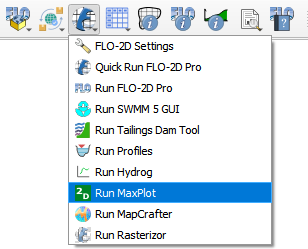
The Run MaxPlot button will load the MaxPlot executable in the Project Folder.
Click on the Run MaxPlot.
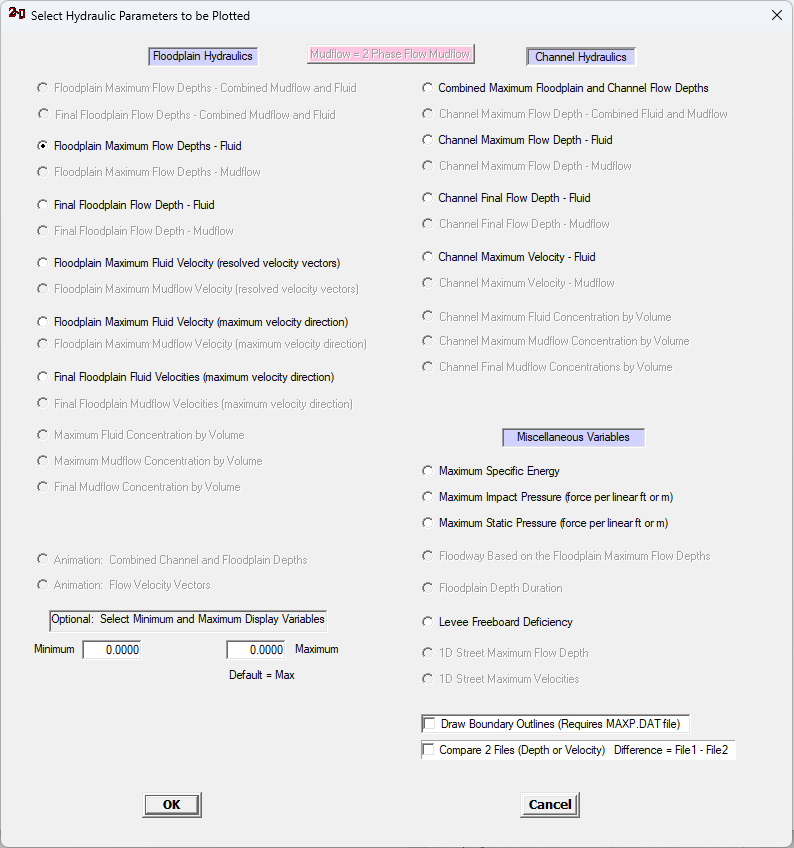
When MaxPlot runs, it will load a list of possible plots. If plots are not available, the radio buttons are greyed out.
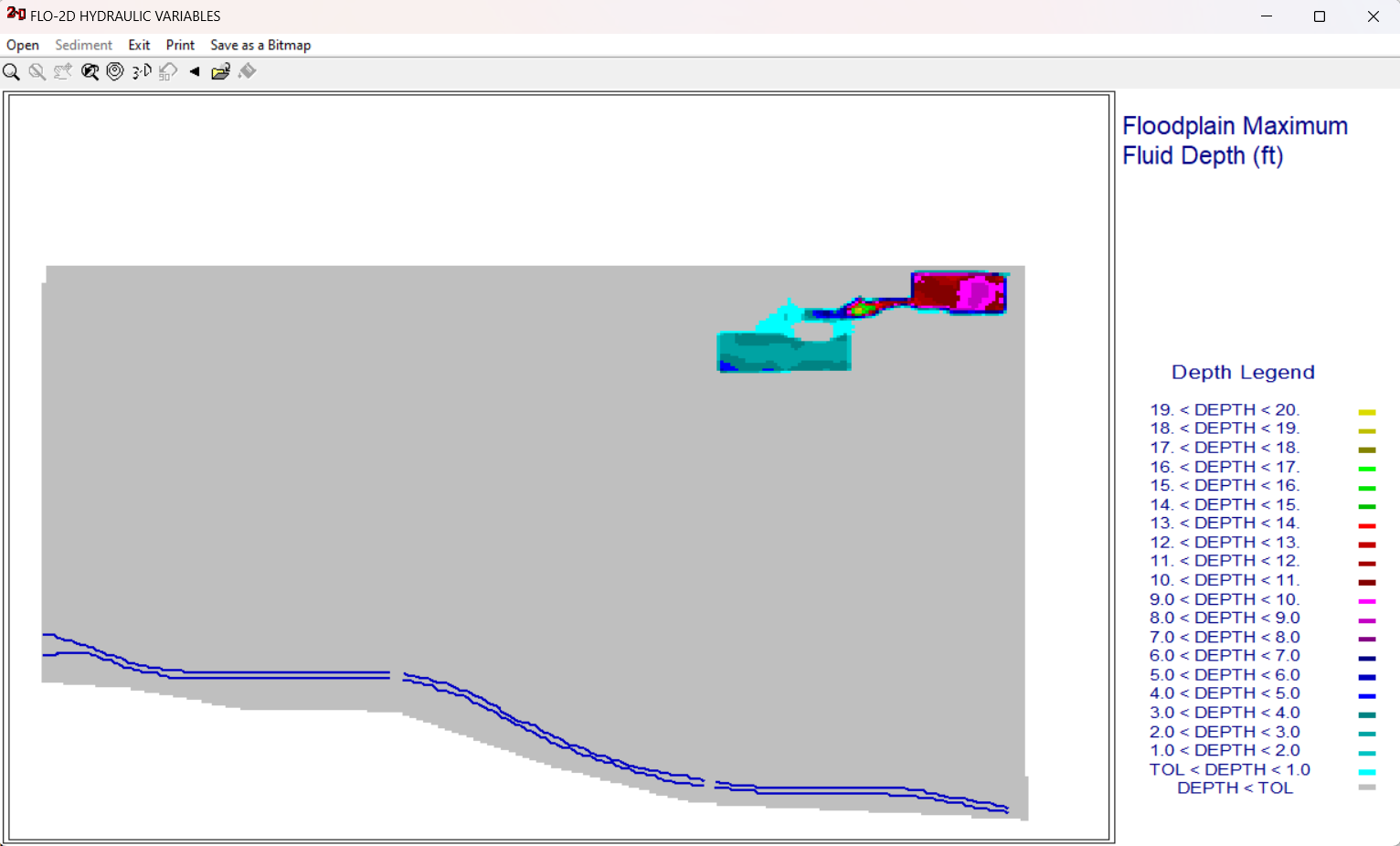
The MaxPlot will show up.
Note
The project folder must have a CONT.DAT and *.OUT files to run MaxPlot. It is also possible to run Maxplot from the Project folder but it must also have the same *.DLL files that are used by FLOPRO.EXE because Maxplot uses OpenMP multiple processor code dlls.